


Want to enjoy Apple Music without paying? The good news is that there are several legitimate ways to get free Apple Music, from Apple’s official free trial to student discounts, new device promotions, and carrier offers.
In this guide, we’ll show you how to get free Apple Music with five working methods, explain who qualifies for each offer, and share tips to help you avoid common redemption issues and unexpected charges.
5 Best Ways to Get Apple Music for Free
Way 1: Start with Apple Music’s Official Free Trial
The easiest way to get free Apple Music is by claiming Apple’s official free trial. If you’ve never subscribed to Apple Music before, you can usually enjoy 1 month of Apple Music for free.
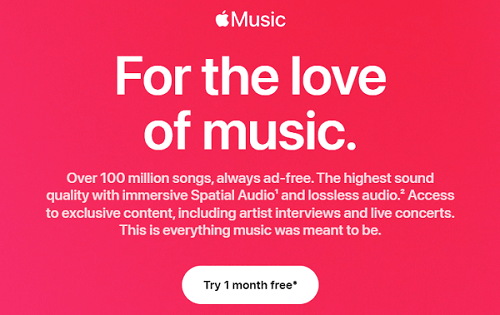
During the trial, you’ll get full access to the complete Apple Music experience, including over 100 million songs, offline downloads, lossless audio, Spatial Audio, curated playlists, and personalized recommendations.
You can usually claim the free trial if:
- You’re a new Apple Music subscriber.
- Your Apple ID has never redeemed an Apple Music free trial before.
- You don’t currently have an active Apple Music subscription.
How to get the Apple Music free trial:
- Open the Apple Music on your iPhone, iPad, Mac, Android device, or visit the Apple Music website.
- Tap “Try It Free” or “Accept Offer” if a promotion is available.
- Sign in with your Apple ID, or create one if you don’t already have an account.
- Choose your preferred plan (Individual, Student, or Family).
- Add a valid payment method if prompted.
- Confirm your subscription to start your free trial immediately.
Once activated, you can stream music on all supported devices using the same Apple ID.
Tips: The free trial automatically converts to a paid subscription unless you cancel before the renewal date. You can check your renewal date by going to Settings > Apple ID > Subscriptions > Apple Music.
Way 2. Get Up to 3 Free Months with a New Apple Device
If you’ve recently purchased an eligible Apple product, you may qualify for up to three months of free Apple Music.
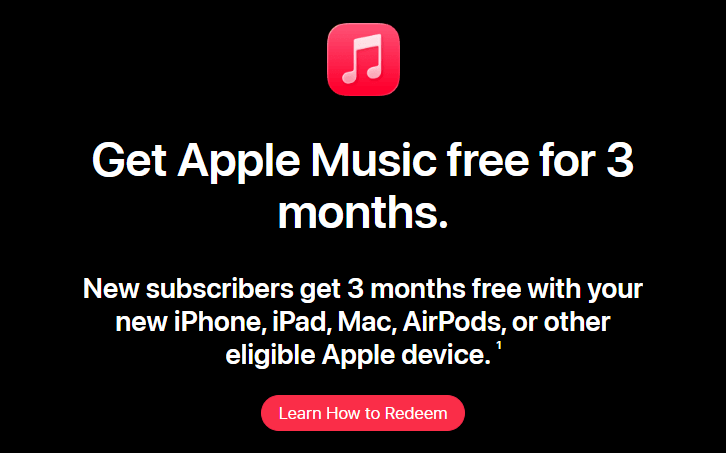
Apple frequently includes this promotion with new devices, although eligibility depends on your Apple ID, purchase date, and whether you’ve previously redeemed similar offers.
How to redeem the free Apple Music offer
- Turn on your new Apple device and complete the initial setup.
- Sign in using your Apple ID.
- Connect your device to the internet and update it to the latest version of iOS, iPadOS, macOS, or tvOS if necessary.
- Open the Apple Music app within 90 days of activating the device.
- If your device qualifies, you’ll see a banner such as “Enjoy 3 Months Free” or “Accept Offer.”
- Tap the promotion and follow the on-screen instructions to activate your free Apple Music subscription.
Common reasons the offer doesn’t appear
- The device isn’t eligible for the promotion.
- More than 90 days have passed since the device was first activated.
- Your Apple ID has already redeemed a similar device offer.
- Your Apple Music subscription is currently active.
- Your Apple ID region doesn’t match the country where the promotion is available.
Way 3. Save with the Apple Music Student Plan
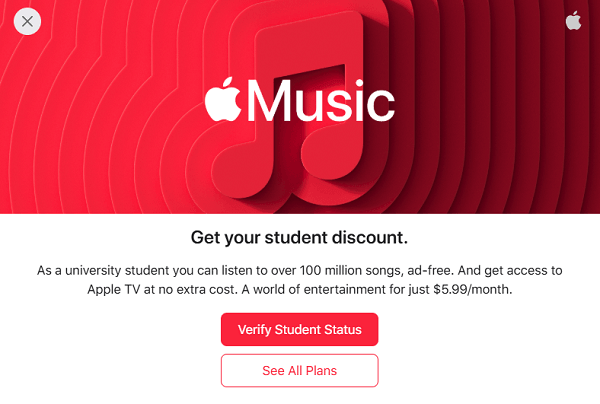
If you’re enrolled in a college or university, the Apple Music Student Plan is one of the best ways to enjoy Apple Music at a lower cost. New eligible students can usually claim a 1-month free Apple Music trial, and after that, continue paying a discounted monthly price.
How to get Apple Music for free as a student
- Open the Apple Music app or visit the Apple Music website.
- Select Student when choosing your subscription plan.
- Tap Verify Eligibility.
- Complete the verification process through the supported student verification service.
- Sign in with your Apple ID.
- Add a payment method if requested and activate your free trial.
Once approved, you’ll receive full Apple Music access just like Individual Plan subscribers.
Why choose the Student Plan?
- A free trial for eligible new subscribers.
- A lower monthly subscription price.
- Access to the complete Apple Music library.
- Offline downloads, Lossless Audio, and Spatial Audio.
- Apple TV+ included in many supported regions.
If you’re still in school, this is one of the most cost-effective ways to keep Apple Music after your free trial ends.
Way 4. Claim Apple Music Through Carrier or Mobile Plan Promotions
Many mobile carriers partner with Apple to offer free Apple Music as part of selected phone plans. Depending on your country and carrier, you may receive anywhere from 3 to 6 months of Apple Music.
Popular carrier promotions
- Verizon (United States) — Apple Music may be included with selected Unlimited plans.
- EE (United Kingdom) — Eligible customers can receive several months of Apple Music or add it as an Inclusive Extra.
- Rogers (Canada) — Certain Infinite plans include Apple Music promotions for new and existing customers.
How to redeem the offer
- Log in to your mobile carrier account or app.
- Navigate to the Benefits, Rewards, or Entertainment section.
- Locate the Apple Music promotion.
- Select Activate or Redeem.
- Sign in with your Apple ID.
- Confirm the subscription and begin using Apple Music.
Some carriers send a redemption link by text message or email after your qualifying plan is activated.
Tip: Some promotions are available only to new Apple Music subscribers. Switching or canceling your mobile plan may end your Apple Music benefit.
Way 5: Look for Official Partner Promotions and Limited-Time Offers
Beyond Apple’s own promotions, many trusted partners occasionally offer free Apple Music trials.
Common places to find Apple Music offers
- Apple-authorized retailers such as Best Buy.
- Shopping membership programs like Target Circle.
- Apple partner apps, including Shazam.
- Airlines and travel partners, such as American Airlines.
- Selected regional retailers and service providers.
How to redeem partner offers
- Visit the partner’s promotional page.
- Sign in or complete any required registration.
- Claim the Apple Music offer.
- Sign in with your Apple ID.
- Confirm your eligibility.
- Activate your subscription.
Most offers redirect you to Apple’s official redemption page to complete activation securely. However, not every promotion works for every account. Before claiming an offer, verify:
- Whether it’s available in your country.
- Whether it’s limited to new subscribers.
- The promotion’s expiration date.
- Whether a payment method is required.
- Whether the subscription renews automatically after the free period.
Some Apple Music partner offers are region-specific. If you’re unable to access an official promotion while traveling, LightXtreme VPN provides secure, high-speed servers in 70+ countries, helping you access eligible offer pages and enjoy uninterrupted Apple Music streaming.
Keep in mind that a VPN doesn’t change your Apple ID region or promotion eligibility.
Common Issues When You Get Apple Music for Free
1. Can Existing Subscribers Get Apple Music for Free?
In most cases, existing Apple Music subscribers cannot claim the standard free trial, as it’s typically reserved for new users. However, that doesn’t necessarily mean you can’t get Apple Music for free again.
Depending on your account and region, you may still qualify through:
- Carrier promotions are included with eligible mobile plans.
- Limited-time partner offers from Apple-authorized partners.
- Returning subscriber promotions, which Apple occasionally provides to selected former subscribers after their membership has ended.
- An Apple Music Family subscription, where the family organizer can invite up to five additional members to share the subscription.
If you’re currently paying for Apple Music, it’s worth checking your carrier’s benefits or Apple’s latest promotional offers before renewing your subscription.
2. Why Can’t I Redeem My Free Apple Music Offer?
If your Apple Music free trial or promotional offer isn’t working, one of the following reasons is usually responsible:
- You’ve already redeemed a free Apple Music trial with the same Apple ID.
- Your Apple Music subscription is still active, making you ineligible for new subscriber offers.
- The promotion has expired or reached its redemption limit.
- Your Apple ID region doesn’t match the country where the promotion is available.
- Your new Apple device isn’t eligible, or more than 90 days have passed since it was activated.
- Your student verification couldn’t be completed if you’re applying for the Student Plan.
- The promotion is limited to specific devices, carriers, or partner programs that your account doesn’t qualify for.
If you believe you’re eligible, try updating your device, signing out and back into your Apple ID, reopening the Apple Music app, or contacting Apple Support for further assistance.
3. How to Cancel Apple Music Before You’re Charged
Apple Music subscriptions automatically renew when the free trial ends. If you don’t want to continue with a paid subscription, cancel your trial before the renewal date to avoid being charged.
Here’s how to cancel Apple Music on an iPhone or iPad:
- Open the Settings app.
- Tap your Apple ID at the top of the screen.
- Select Subscriptions.
- Tap Apple Music.
- Choose Cancel Subscription or Cancel Free Trial, then confirm your choice.
On a Mac, open the App Store, click your account name, select Account Settings, and manage your subscriptions from there.
You can also cancel through the Apple Music app on supported Android devices by opening Account > Manage Subscription and following the on-screen instructions.
FAQs about Get Apple Music for Free
1. Does Apple Music Charge You After the Free Trial?
Yes. Apple Music automatically renews as a paid subscription once your free trial ends unless you cancel it beforehand.
To avoid being charged, cancel your subscription before the renewal date in your Apple ID subscription settings. You’ll typically continue to enjoy Apple Music until the trial period expires.
2. Is Apple Music Really Free?
No. Apple Music doesn’t offer a permanent free plan. However, you can enjoy it for free through official free trials, eligible Apple device promotions, student offers, carrier benefits, or limited-time partner promotions.
Once the promotional period ends, you’ll need to subscribe to continue using the service.